


Packed with Features
With everything you need to show product waiting times, look no further than BuddyPress Quotes
Custom Images
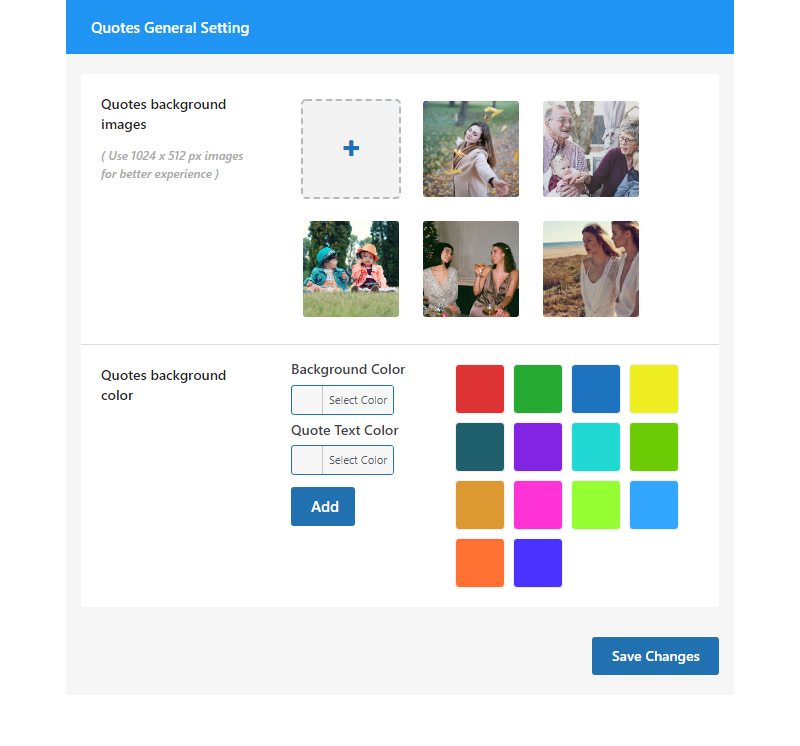
Admin Can upload custom images for the members to add quotes.
Invert Color
Invert Color options for background and text
Publish Quotes
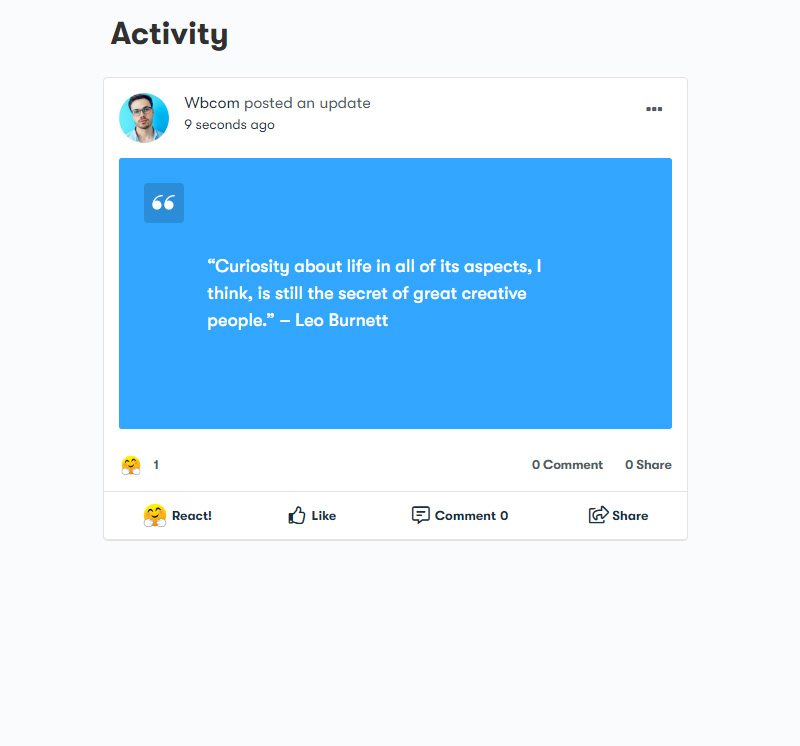
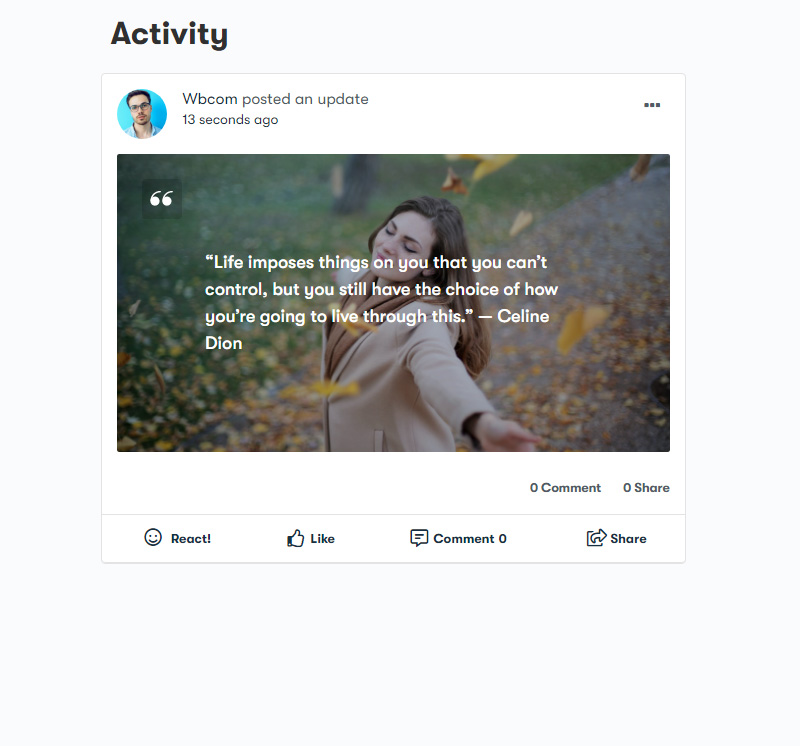
Publish quotes from group and activity pages
Easy to Use Backend Setting
Posting an activity update using BuddyPress Quotes with beautiful backgrounds can help make that activity go viral.
Increase The Community Engagement
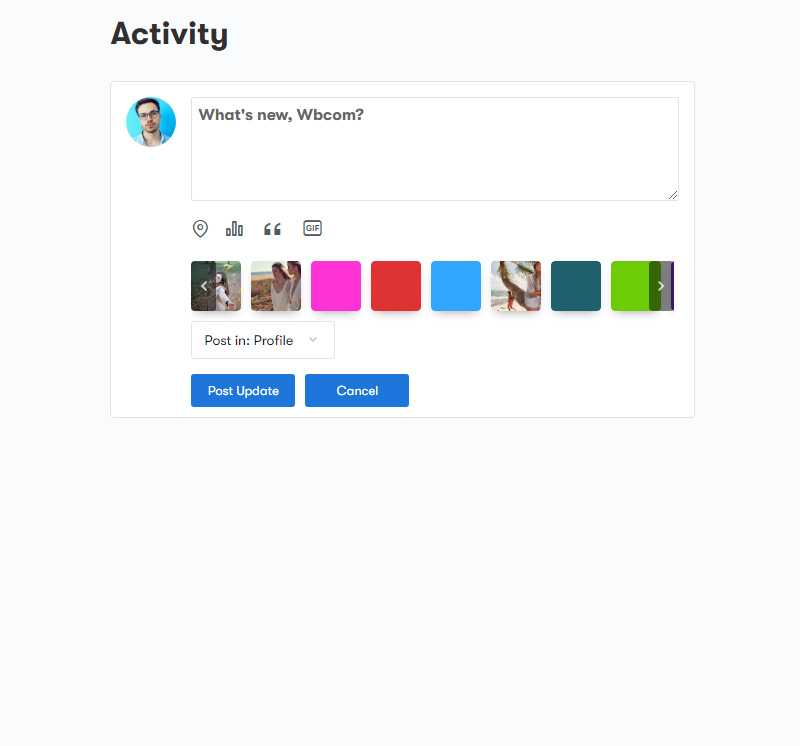
The plugin comes up with backend settings using which site admin can upload multiple images for quotes selection, as well as admin can also set a different set of colors for background selection. Images and colors will be available for end-users in the BuddyPress Activity post form for selection while posting updates.

- User can publish Quotes under activity and Groups
- Members can see Quotes Icon under What’s New Section
- List of colors and images will be available for the members to add quotes
Simple Pricing
We are here to help! We include extensive documentation to set up every aspect of our products, but if you need further assistance we’ll be right there with you on our fully monitored Support!
Single License
Perfect for new portals just starting out
$49/yr
- 1 Site License
- 1 Year of updates & support
- Email Support
5 License
Perfect for new portals just starting out
$99/yr
- 5 Site License
- 1 Year of updates & support
- Email Support
Developer License
Perfect for new portals just starting out
$129/yr
- Unlimited Licenses
- 1 Year of updates & support
- Email Support
Check out our Refund policy and Support policy.
All pricing is in USD. You can change plans or cancel your account at any time. Read more about the Privacy Policy.
Frequently Asked Questions
The BuddyPress Quotes plugin requires BuddyPress or the BuddyBoss Platform to be installed and activated on your site. These platforms are necessary for the plugin to function correctly.
Yes, site admins can upload custom images and set different colors for backgrounds. These options will be available for end-users in the BuddyPress Activity post form when they create quotes.
The invert color option automatically selects a text color based on the chosen background color, ensuring optimal readability and visual appeal.
Yes, users can publish quotes under activity updates and group pages. They can see the Quotes icon under the “What’s New” section, where they can select backgrounds and post their quotes.
Yes, the BuddyPress Quotes plugin has been tested with Youzify and is fully compatible. Our plugin supports Youzify, ensuring smooth integration.
If you require additional features or have any questions, please contact our support team. We continuously improve our plugins based on user feedback and are available to assist you with any issues or inquiries.
While we do not offer a trial version, we do provide a 30-day money-back guarantee. If you are not satisfied with the plugin, you can request a refund within 30 days of your purchase. https://wbcomdesigns.com/refund-policy/
Still have questions?
Check out our Knowledge Base, or if you can’t find an answer there.