

WordPress is an incredibly flexible content management system (CMS) that allows users to create various types of content beyond just blog posts and pages. Custom post types (CPTs) enable you to organise different content formats, such as portfolios, testimonials, and events.
Taxonomies, on the other hand, help categorise and structure this content, making it easier for visitors to find relevant information. WordPress includes default taxonomies like categories and tags, but custom taxonomies allow you to create your own classification systems tailored to your site’s needs.
Why Use Custom Post Types & Taxonomies?
If you run a blog, a business website, or an e-commerce store, custom post types and taxonomies help streamline your content organisation. Instead of dumping everything into generic posts, you can create specialised sections for different types of content. This improves usability, enhances SEO, and provides a better user experience.
For example, an online store can use a “Products” custom post type and add taxonomies like “Product Categories” and “Brands” to help customers filter through their choices. Custom post types and taxonomies make it easier to manage, display, and interact with your website’s content efficiently.
How to Create Custom Post Types & Taxonomies
Creating custom post types and taxonomies in WordPress can be done in multiple ways:
- Using a Plugin: Plugins like “Custom Post Type UI” and “Pods” make it simple to create custom post types and taxonomies without coding.
- Manually with Code: If you’re comfortable with PHP, you can define custom post types and taxonomies in your theme’s functions.php file or in a custom plugin.
- Using a Theme Framework: Many premium themes and frameworks come with built-in tools for creating custom post types and taxonomies effortlessly.
10 best custom post types and taxonomies
1. Portfolio Post Type
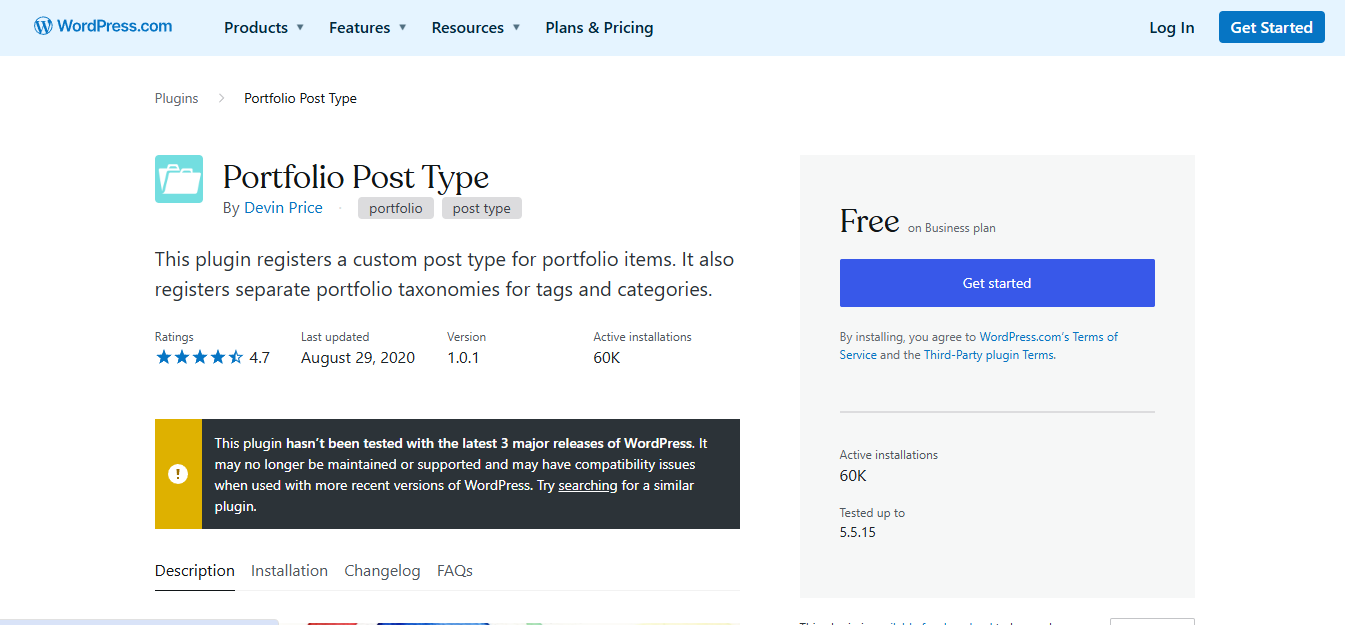
Perfect for Showcasing Creative Work
For photographers, designers, and artists, the Portfolio custom post type lets you display your work in an organised manner. You can create a separate section on your website where each portfolio item has its own page with images, descriptions, and project details.
Portfolio Taxonomies for Better Organisation
To further categorise your portfolio, create taxonomies such as “Project Type” (Photography, Graphic Design, Web Development) and “Client” to help users filter your work efficiently.
2. Testimonials Post Type
Build Trust with Client Feedback
The Testimonials custom post type lets you showcase positive client reviews and feedback. Instead of placing testimonials in blog posts, you can have a dedicated section where each review is neatly formatted and easy to navigate.
Group Testimonials with Custom Taxonomies
You can use taxonomies such as “Service Type” (Web Development, Marketing, Coaching) or “Industry” (Real Estate, Health, Education) to categorise testimonials for better visibility.
3. Events Post Type
Ideal for Event Management
If your website hosts events, workshops, or webinars, an Events post type is essential. Each event can have details like date, location, speakers, and registration links.
Helpful Event Taxonomies
Use taxonomies like “Event Type” (Webinar, Conference, Workshop) or “Event Location” (Online, New York, London) to organize and filter events efficiently.
4. Recipes Post Type
A Must for Food Bloggers
A Recipes custom post type is perfect for food bloggers or restaurants looking to share their signature dishes. Each recipe post can include ingredients, step-by-step instructions, and cooking times.
Sorting Recipes with Custom Taxonomies
Create taxonomies like “Cuisine Type” (Italian, Mexican, Indian) or “Dietary Preferences” (Vegan, Gluten-Free, Keto) to help visitors find recipes that suit their needs.
5. Products Post Type
Essential for E-Commerce Stores
If you run an online store, a Products post type is crucial. Each product gets its own page, complete with descriptions, images, pricing, and customer reviews.
Enhancing Shopping Experience with Taxonomies
Taxonomies like “Product Category” (Electronics, Clothing, Furniture) and “Brand” (Apple, Nike, Sony) make it easier for shoppers to find what they’re looking for.
6. Reviews Post Type
Organise Your Reviews Efficiently
If your website publishes reviews of books, movies, or tech gadgets, a Reviews post type can help you structure them properly.
Categorising Reviews with Taxonomies
Use taxonomies like “Review Type” (Book, Movie, Game) or “Rating” (1 Star, 2 Stars, 3 Stars) to make it easier for users to browse through reviews.
7. Real Estate Listings Post Type
Optimise Your Property Listings
For real estate businesses, a Real Estate Listings custom post type allows you to showcase properties with images, descriptions, prices, and locations.
Sorting Listings with Custom Taxonomies
Taxonomies like “Property Type” (Apartment, House, Commercial) and “Location” (Los Angeles, Chicago, Miami) help users filter their searches efficiently.
8. Job Listings Post Type
Simplify Job Posting
A Job Listings post type is perfect for companies or recruitment agencies. Each listing can include job descriptions, salary ranges, and application details.
Streamlining Job Searches with Taxonomies
Custom taxonomies like “Job Category” (IT, Marketing, Finance) and “Experience Level” (Entry-Level, Mid-Level, Senior) improve the searchability of job postings.
9. Team Members Post Type
Showcase Your Team in Style
For businesses and agencies, a Team Members custom post type allows you to introduce your staff with bios, roles, and social media links.
Organising Staff with Custom Taxonomies
Create taxonomies like “Department” (Marketing, Sales, Engineering) or “Location” (Head Office, Branch Office) to enhance team member profiles.
10. Courses Post Type
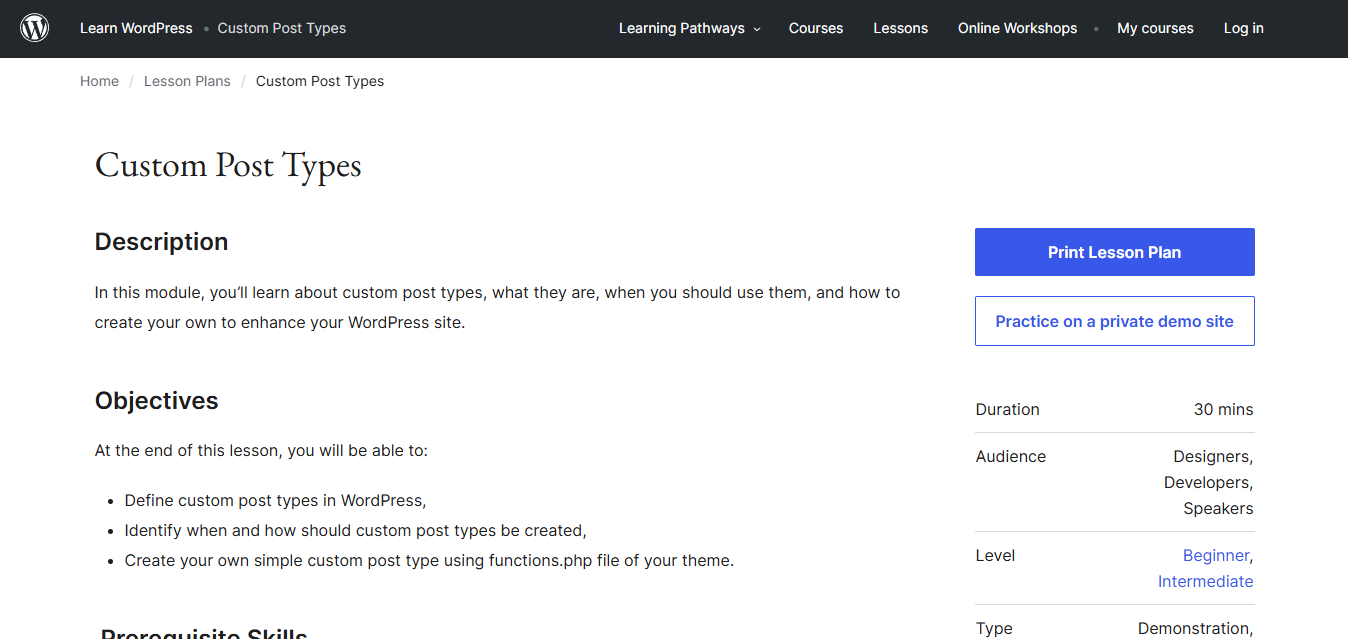
Organize Educational Content
For educational websites and online learning platforms, a Courses custom post type makes it easy to structure lessons, modules, and quizzes.
Enhancing Course Navigation with Taxonomies
Use taxonomies like “Course Category” (Programming, Design, Marketing) and “Skill Level” (Beginner, Intermediate, Advanced) to help students find the right courses.

Closing Remarks
Custom post types and taxonomies are powerful tools that enhance the organisation and presentation of content on WordPress websites. 10 best custom post types and taxonomies discussed in this guide can drastically improve user experience and SEO.
By leveraging custom post types and taxonomies, you can create a well-structured website that makes navigation seamless, boosts engagement, and drives conversions. So, start customising your WordPress site today and unlock its full potential!
Interesting Reads:
10 Best Social Media Integration Plugins
