

A website crash, server failure, or cyberattack can lead to irreversible data loss. Studies show that 60% of small businesses that suffer major data loss shut down within six months. Regular backups are essential to prevent downtime, lost revenue, and SEO penalties. Fortunately, Backup WordPress Plugins make it easy to schedule and restore backups automatically.
With the right plugin, you can store backups offsite, restore your website with a single click, and even migrate data between servers. Some tools offer incremental backups to save storage space, while others provide real-time backup syncing to ensure nothing is lost. Whether you manage a small blog or a high-traffic eCommerce store, a solid backup strategy is non-negotiable.
This list covers the best Backup WordPress Plugins for 2025, helping you choose a tool that fits your needs for security, automation, and storage efficiency.

Why You Need a Backup WordPress Plugin
A single server crash, hacker attack, or accidental file deletion can bring down an entire website, causing irreversible data loss and business disruption. Studies show that 43% of cyberattacks target small businesses, and 60% of companies that experience major data loss shut down within six months. Without a reliable backup system in place, recovering lost data can be time-consuming, expensive, or even impossible.
Common Causes of Data Loss
- Cyberattacks & Malware: Hackers exploit vulnerabilities to delete or corrupt files, making website restoration difficult without a backup.
- Hosting Failures: Even the best hosting providers experience server crashes, data centre outages, and hardware malfunctions.
- Human Error: A simple mistake, such as accidentally deleting critical files or installing a faulty update, can break a site.
- Software Conflicts: Plugin or theme updates sometimes introduce bugs that crash a site, requiring a rollback.
A Backup WordPress Plugin ensures automatic backups of your website’s database, files, and media at regular intervals. With one-click restore options, you can quickly recover from disasters, minimising downtime, lost revenue, and SEO penalties. Whether you manage a small blog or a large eCommerce store, backups are your best defence against unexpected failures.
What to Look for in a Backup WordPress Plugin
Choosing the right Backup WordPress Plugin is crucial for ensuring your website stays protected from data loss, security breaches, and unexpected crashes. Here are the key features to consider when selecting a backup solution:
- Automated and Scheduled Backups: A reliable plugin should offer automatic backups at regular intervals, reducing the risk of data loss. Look for customizable scheduling options—daily, weekly, or real-time backups—to suit your site’s needs.
- Incremental Backups: Instead of backing up the entire site every time, incremental backups save only the changes made since the last backup. This reduces server load and ensures faster backup processes.
- Cloud Storage Options: Storing backups on your web server can be risky. The best Backup WordPress Plugins support off-site storage on services like Google Drive, Dropbox, Amazon S3, and OneDrive for added security.
- One-Click Restore: A backup is useless if restoring it is complicated. Look for a plugin with one-click restore functionality, so you can quickly recover your website in case of an emergency.
- Website Migration and Cloning: If you plan to move your site to a new host or create a staging environment, some backup plugins offer built-in migration and cloning tools for a seamless transition.
- Security Features: A backup plugin should encrypt backup files, offer malware scanning, and provide password-protected downloads to keep your data safe from threats.
Best WordPress Backup Plugins
1. VaultPress
VaultPress is a powerful Backup WordPress Plugin designed for real-time backups and security monitoring. Developed by Automattic, it offers automated daily or real-time backups, ensuring that every website change is saved instantly.
Key features include one-click site restores, malware scanning, and off-site cloud storage, keeping your data secure. It integrates seamlessly with Jetpack, providing additional security features like spam protection and uptime monitoring.
VaultPress is ideal for business websites, blogs, and eCommerce stores that need reliable backup and security solutions. However, it requires a Jetpack subscription, making it a better fit for those already using the Jetpack ecosystem.
2.BlogVault
BlogVault is a well-known WordPress backup and security service that provides a comprehensive suite of tools to help users safeguard and manage their websites. Renowned for its dependable backup capabilities, seamless migration process, and efficient site restoration, BlogVault is a trusted choice among website owners, developers, and agencies. It ensures websites remain secure, current, and easily recoverable in the event of any issues.
3. BackupBuddy

BackupBuddy is a well-established Backup WordPress Plugin that provides complete site backups, scheduled automation, and easy restoration. It covers databases, themes, plugins, media files, and WordPress core files, ensuring full website protection.
With custom backup scheduling, users can set backups to run daily, weekly, or monthly. It also supports off-site storage options like Google Drive, Dropbox, Amazon S3, and FTP, preventing data loss from server failures.
BackupBuddy’s one-click restore and migration tools make it easy to recover or move websites. It also includes malware scanning and database repair, adding extra security. Ideal for businesses, agencies, and developers, BackupBuddy offers a reliable way to protect, restore, and migrate WordPress sites efficiently.
4. Jetpack Backup
Jetpack Backup is a premium WordPress backup service developed by Automattic, the same company behind WordPress.com. It offers reliable, real-time, cloud-based backups that automatically protect your website against data loss, hacking incidents, server crashes, or accidental content changes. With its one-click restore functionality and secure off-site storage, Jetpack Backup makes it easy for users to quickly recover their websites without technical hassle. It’s an ideal solution for business owners, bloggers, and developers who want peace of mind knowing their WordPress site is continuously safeguarded.
5. BackWPup

BackWPup is a flexible Backup WordPress Plugin that allows users to create full site backups and store them securely in multiple locations. It supports scheduled automatic backups, ensuring website data is regularly saved without manual intervention.
This plugin provides seamless integration with off-site storage services, including Dropbox, Google Drive, Amazon S3, FTP, and more, thereby reducing the risk of data loss in the event of server failure. The one-click restore feature makes it easy to recover a site quickly.
BackWPup also includes database optimisation and repair tools, enhancing site performance. It’s an excellent choice for small businesses, bloggers, and developers seeking a free yet powerful backup solution, with a premium version offering additional features, including encryption and priority support.
Also Read: How to Backup, Restore, and do SEO of your Job Listings Site
6. UpdraftPlus
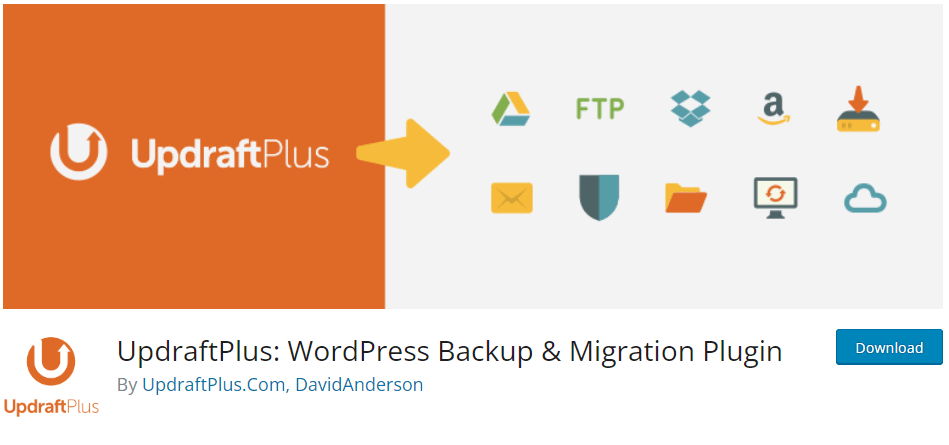
UpdraftPlus is one of the most popular Backup WordPress Plugins, known for its ease of use, automated backups, and cloud storage integration. It allows users to schedule backups or run them manually, ensuring data is always protected.
With support for Google Drive, Dropbox, Amazon S3, OneDrive, and more, backups are securely stored off-site. The one-click restore feature simplifies recovery, making it easy to restore a site after crashes, hacks, or updates gone wrong.
The premium version includes incremental backups, database encryption, site migration tools, and multisite support. Ideal for beginners and advanced users alike, UpdraftPlus offers a reliable, feature-rich solution for website backup and restoration.
7. Backup and Staging by WP Time Capsule
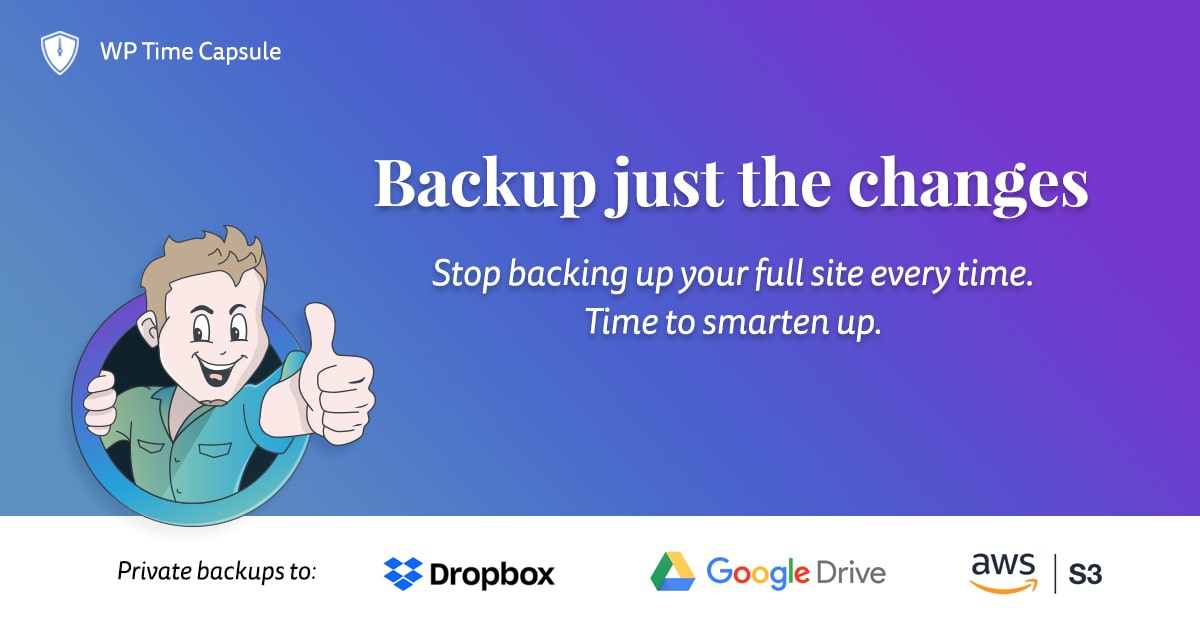
Backup and Staging by WP Time Capsule is a Backup WordPress Plugin that focuses on incremental backups, meaning it only backs up changed files instead of the entire site. This reduces server load and speeds up the backup process.
It supports real-time and scheduled backups with off-site storage options like Google Drive, Dropbox, and Amazon S3. The one-click restore feature ensures quick recovery, and the built-in staging environment allows users to test updates before applying them to a live site.
Ideal for businesses and developers, WP Time Capsule offers efficient backups without slowing down website performance. The plugin is a great choice for those seeking a lightweight, automated backup solution with staging capabilities.
8. Duplicator- best backup wordpress plugins

Duplicator is a Backup WordPress Plugin designed for site backups, migrations, and cloning. It allows users to create full website backups, including databases, themes, plugins, and media files, and store them locally or on cloud services like Google Drive, Dropbox, and Amazon S3.
Its one-click restore and migration tools make it easy to move websites between servers or create staging environments. Unlike many backup plugins, Duplicator lets users package their entire site into a single archive file, simplifying transfers and restorations.
The pro version offers scheduled backups, cloud storage integration, and multisite support, making it an excellent choice for developers, agencies, and businesses that need reliable backups and seamless site migration.
Also Read: SSL Migration Made Easy: Protecting Your WordPress Site
9. WP Database Backup
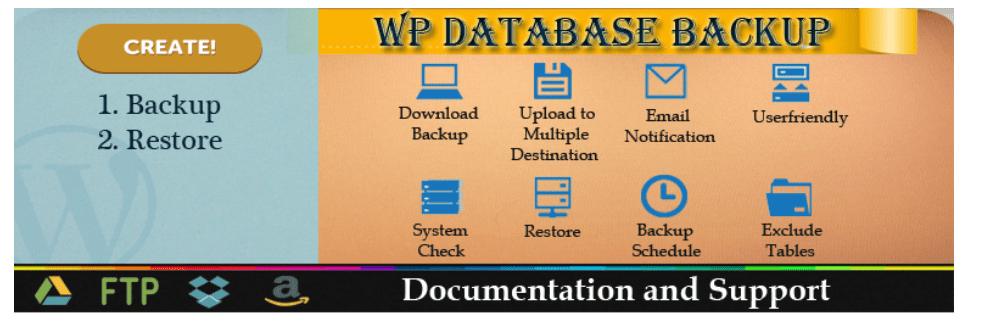
WP Database Backup is a lightweight Backup WordPress Plugin focused on database backups and recovery. It allows users to create automatic or manual database backups and store them on Google Drive, Dropbox, Amazon S3, FTP, and email.
The plugin features one-click database restoration, ensuring quick recovery in case of data loss. It also offers scheduled backups, allowing users to set up automatic database saves at regular intervals.
While it doesn’t back up full site files like themes or media, it’s a great option for bloggers, small businesses, and website owners looking for a simple and efficient way to protect critical WordPress data without using excessive server resources.
Also Read: Top Cloud Migration Strategies for Modern Enterprises
10. Solid WP Backup- best WordPress backup plugins
Solid WP Backup is a widely trusted and user-friendly WordPress backup plugin designed to offer complete protection for your website’s data. Whether you’re a beginner or an experienced site owner, this plugin makes the backup and recovery process simple and hassle-free. It enables you to create full-site backups, including your database, media files, themes, and plugins, all with just a few clicks.
Solid WP Backup also supports scheduled automatic backups, so you never have to worry about forgetting to secure your content. In case of unexpected issues like site crashes, malware attacks, or plugin conflicts, you can easily restore your website to a previous version within minutes.
Also Read: Website ranking
11. Backup Migration
The Backup Migration plugin simplifies the entire process of backing up and migrating your WordPress website, making it accessible even for non-technical users. Designed for those who require a reliable and efficient solution, this plugin ensures your website data is safely backed up and can be effortlessly moved to a new server or domain without hassle.
Whether you’re changing hosting providers, cloning your site for development, or simply creating regular backups for added security, the Backup Migration plugin offers a seamless experience. It allows you to schedule automatic backups, select specific files or databases to include, and easily restore or migrate your site with just a few clicks.
With an intuitive user interface and step-by-step guidance, it eliminates the complexities usually associated with website migration and backup. This makes it an excellent choice for bloggers, business owners, and developers alike who need a dependable tool to safeguard and transport their WordPress sites.
12. WP Database Backup- best backup wordpress plugins
WP Database Backup is a simple yet powerful WordPress plugin specifically designed to help users create reliable backups of their website’s database. With a focus on ease of use, it enables even non-technical users to generate and manage backups with just a few clicks.
The plugin is especially useful for those who want to safeguard critical site data such as posts, pages, user information, and plugin settings without backing up the entire site. It offers scheduled backups, manual backup options, and one-click download or restore features, ensuring that your site’s database is always protected and recoverable in case of data loss, server crashes, or security breaches.
With WP Database Backup, you can also send backup files to remote storage locations such as Google Drive, Dropbox, or via email, adding an extra layer of redundancy and security. Its clean interface, lightweight design, and practical features make it an ideal solution for bloggers, small business owners, and developers looking for a dependable database backup tool.

Final Thoughts
Choosing the right Backup WordPress Plugin is essential for protecting your website from data loss, cyber threats, and unexpected crashes. A reliable backup solution should offer automated scheduling, off-site storage, one-click restoration, and minimal server impact to ensure seamless recovery when needed. Whether you need full-site backups, database-only backups, or advanced features like incremental backups and staging, there are options to fit every need. Investing in a dependable backup plugin not only safeguards your content but also provides peace of mind, ensuring your website remains secure, functional, and recoverable at all times.
Interesting Read:
Useful Hacks And Customisations For Your BuddyPress-Powered Website Via Reign Theme
